
I covered what’s new in Revit 2021 in 2 articles now: the general enhancements and in the architecture discipline. Now let’s continue to cover what’s new in the structure discipline.
Rebar Hook Rotation
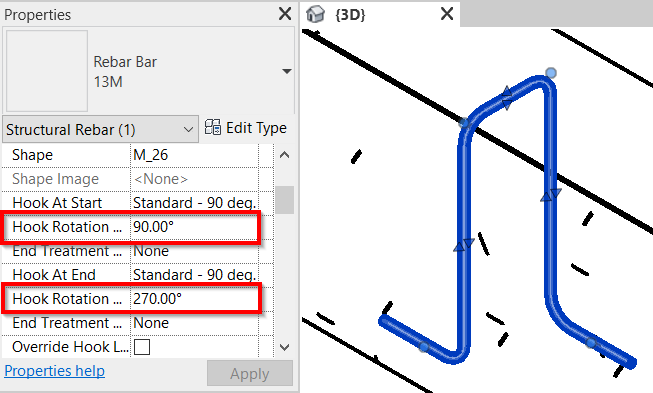
In Revit 2021 we have additional parameter for rebar: Hook Rotation.
Rebar Coupler on Arc Shaped Rebar
In previous version of Revit we can’t add rebar couplers for arc shaped rebar.
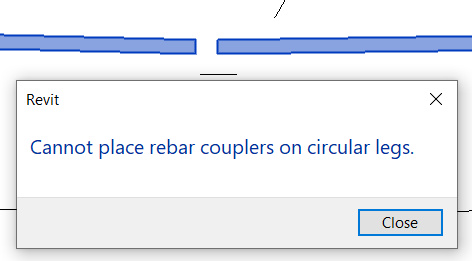
In 2021, Revit allows us to add couplers on circular legs.
Rebar End Treatment
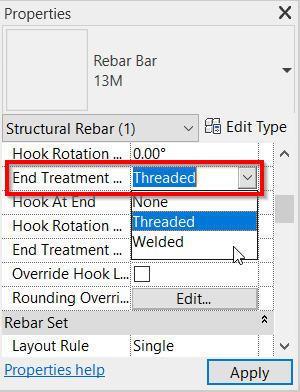
In the previous versions, the end treatment is defined by the couplers. In 2021, we can change the end treatment without adding any couplers.
Fabric Sheet View Visibility States
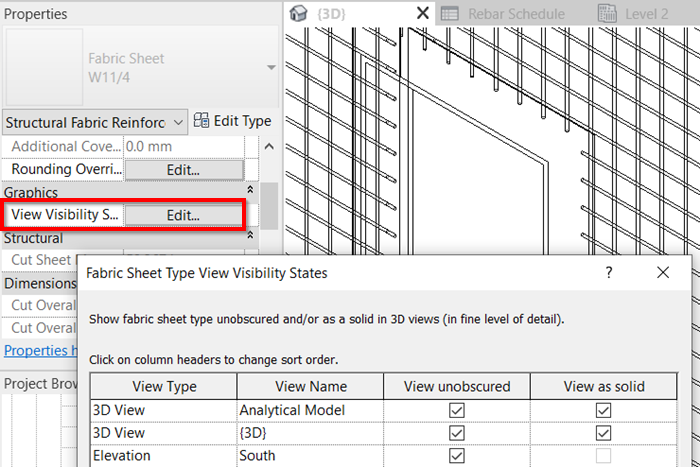
Now fabric sheets has View Visibility States. Now you can show it as solid in 3D views or any other views.
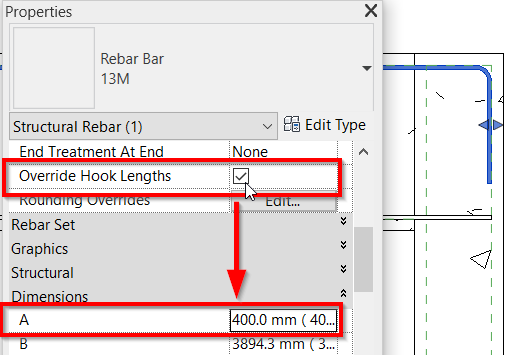
Override Hook Length by Instance
With the new Override Hook Lengths parameter in rebar, you can modify the hook length for each instance.
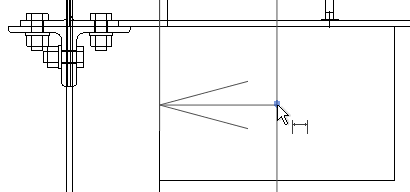
Snap to the Center of Steel Plates
Now you can snap to the center of the steel plates. One thing that you must remember: you must use the wireframe visual style to see the snap point!
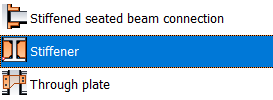
New Steel Connection: Stiffener
Now you can place a stiffener as a steel connection.
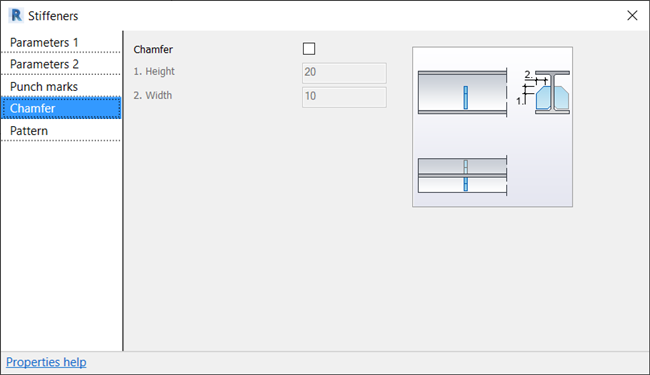
Stiffener also has instance parameters that you can override, such as chamfer, pattern, punch marks, etc.
More Structure Enhancements
There are also several minor enchancements in Revit like below:
- Several editing enhancements for steel elements (plates, bolt, contour, etc).
- Now you can create steel elements in vertical view (elevations or sections view). Finally, now you can create plates when working in a section view!
- Structural Precast Extension is now graduated. This add-on is no longer required a separate installation.
- Autodesk Steel Connection Package in Dynamo is now graduated. Now you don’t need to add an additional package.
- Result Manager and Result Explorer tool are not included in Revit by default.
One More to Go: MEP Enhancements
There is one more discipline to cover. I will cover it in the next post. Don’t miss the updates by subscribing to the email newsletter or following CADnotes facebook page.